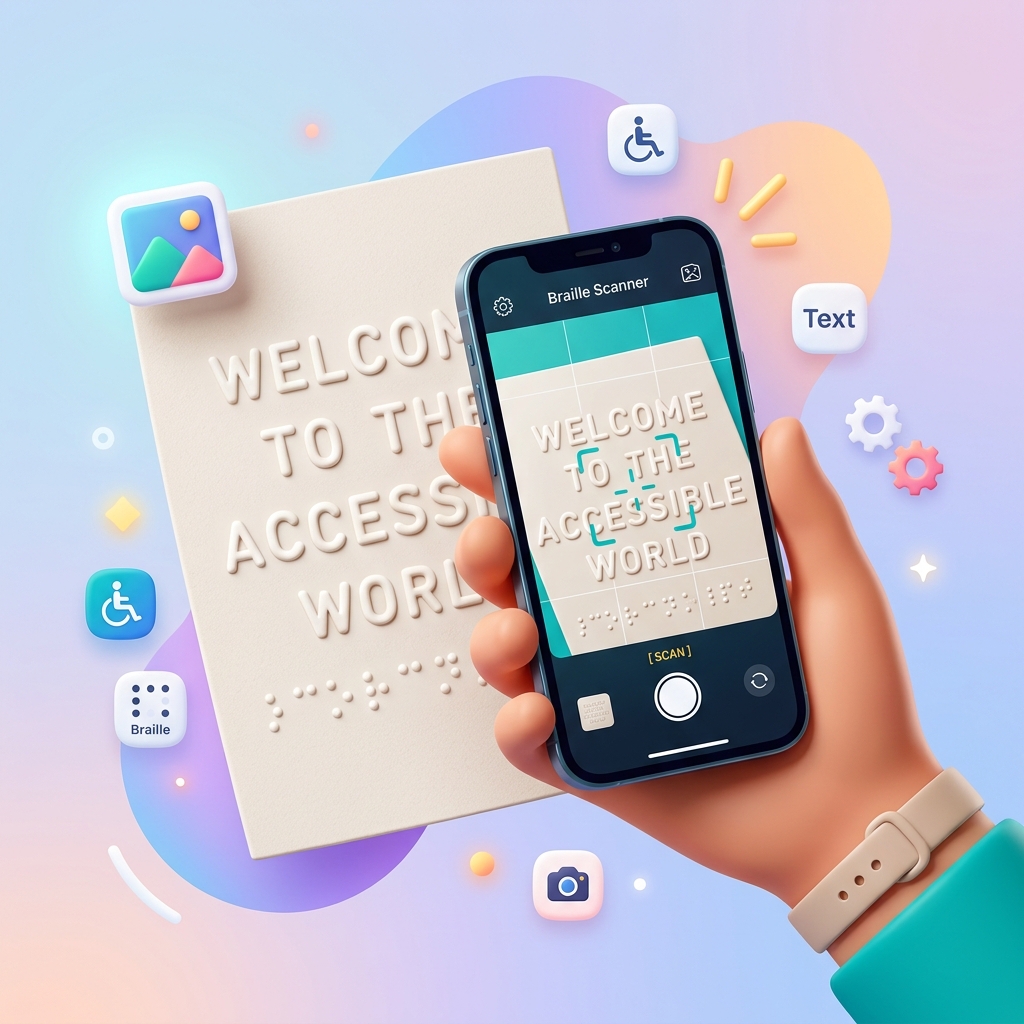
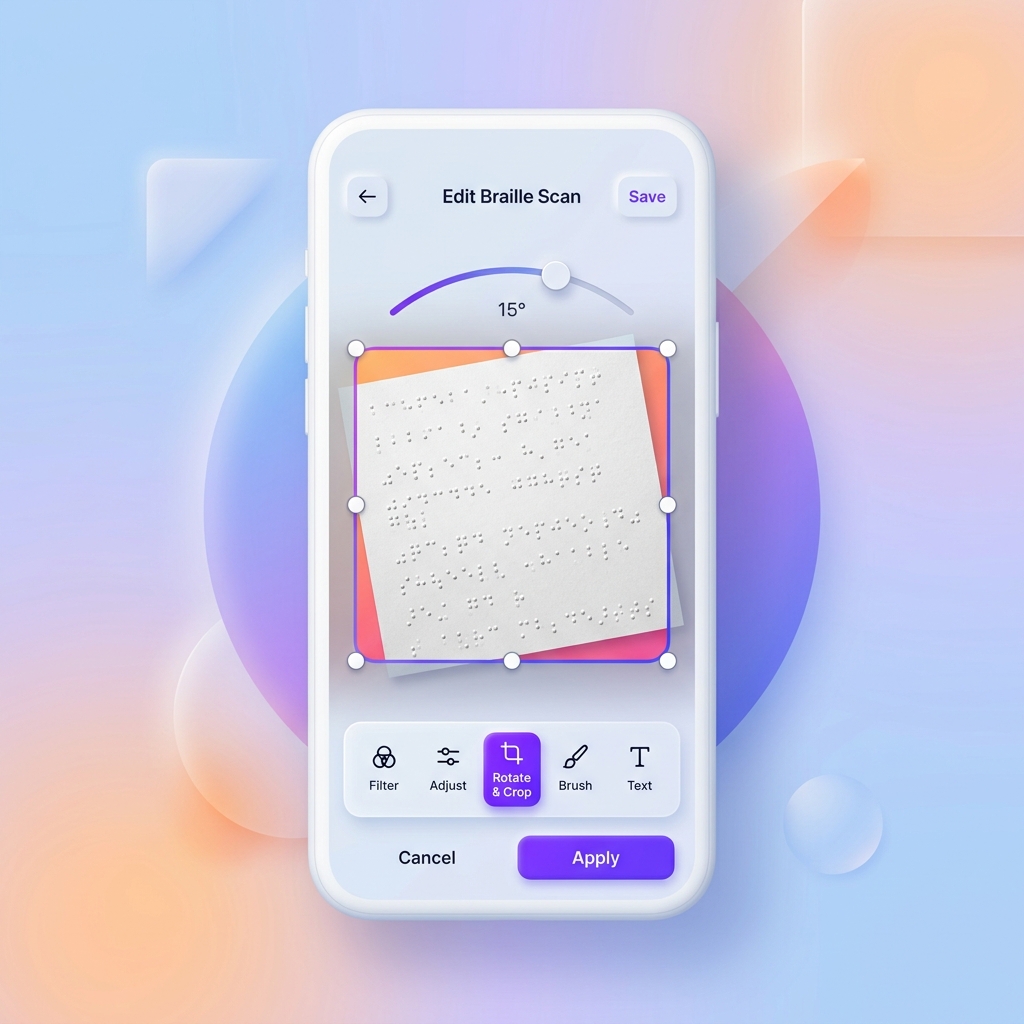
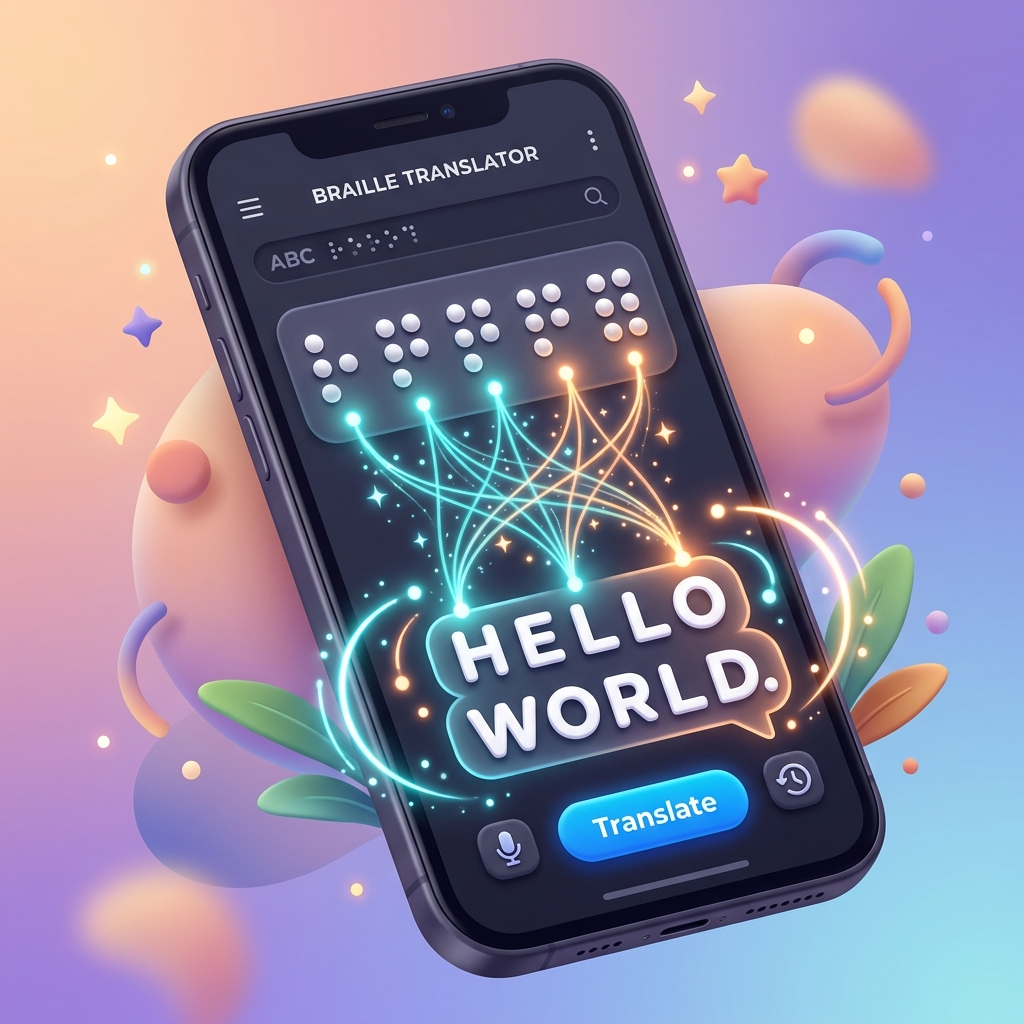
A braille translator is a tool that converts braille characters into readable text or converts standard text into braille notation. Braille Translator uses AI-powered image recognition to scan braille images and translate them to text instantly.
What braille standards does Braille Translator support?
Braille Translator supports UEB (Unified English Braille) Grade 1 and Grade 2, US Grade 2, UK Grade 2, and over 15 international language tables including French, German, Spanish, Arabic, Chinese, Korean, and more.
How accurate is the braille image translation?
Our AI-powered braille recognition achieves high accuracy rates, especially with clear, well-lit images. For best results, photograph braille from directly above with even lighting and ensure the image is in focus.
Can I translate double-sided braille?
Yes! Braille Translator includes a 'Process double-sided braille' option that accounts for dots showing through from the other side of the paper, improving accuracy for interpoint (double-sided) braille documents.
How do you spell 'hello', 'goodnight', or 'I love you' in braille?
Hello in braille is ⠓⠑⠇⠇⠕, hi in braille is ⠓⠊, goodnight in braille is ⠛⠕⠕⠙ ⠝⠊⠛⠓⠞, and I love you in braille is ⠊ ⠇⠕⠧⠑ ⠽⠕⠥. Use our free text to braille converter to spell any word or phrase.
Is Braille Translator free to use?
Yes, all our braille tools are completely free — the text-to-braille converter, braille-to-English decoder, braille image scanner, contraction lookup, and braille quiz. No sign-up required.
What is Grade 2 braille and how is it different from Grade 1?
Grade 1 braille spells every word letter-by-letter. Grade 2 (contracted) braille uses 189 shorthand contractions to make text shorter — for example, 'the' becomes a single cell ⠮. Grade 2 is the standard used in published braille books and signs. Our translator supports both grades.
Can I copy and paste braille text from this translator?
Yes. Our braille generator outputs standard Unicode braille characters that you can copy and paste anywhere — social media, documents, messages, or code. The braille text works on all devices and platforms.
Who invented the braille alphabet and how do I learn braille?
Louis Braille invented the braille writing system in 1824 in Paris, France. You can start learning braille with our free alphabet chart and interactive quiz. Use our translator to practice spelling words and reading braille.
How do I get the best photo of braille for translation?
For best results: 1) Use good, even lighting without shadows, 2) Hold your camera directly above the braille, keeping the phone level, 3) Ensure the braille dots are clearly visible, 4) Avoid reflections or glare on the paper.