Braille Translator
Convert text to braille or decode braille to English in real-time. Spell any word in braille, generate braille copy-paste text, or scan braille images with our free AI-powered translation tools.
Enter Text
Braille Translation
Translate Anywhere with our Chrome Extension
Get instant English-to-Braille translations directly on any web page. Highlight any text, right-click, and translate it immediately to UEB Grade 1 or Grade 2 braille without leaving your tab.
How Braille Translator Works
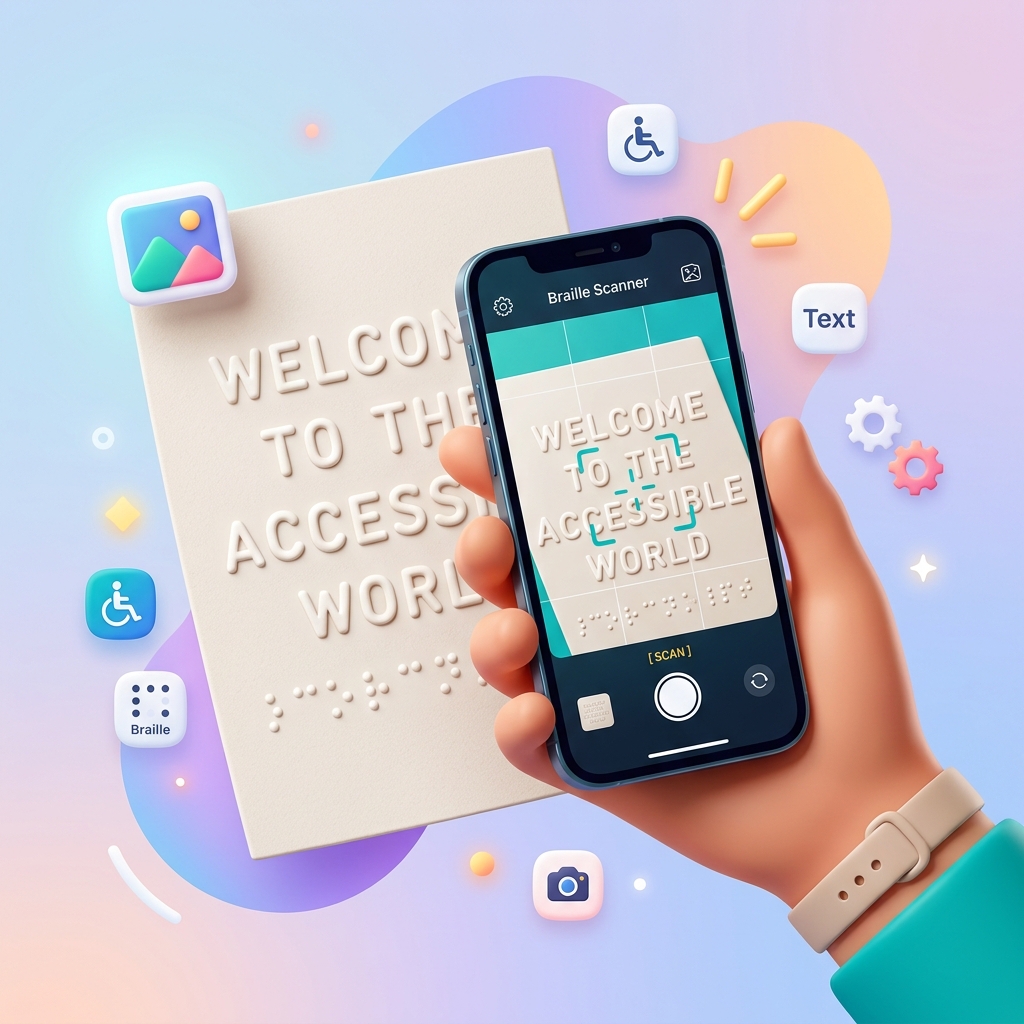
Smart Image Capture
Use your phone camera to snap a photo. For best results, ensure good lighting and hold your phone level above the braille.
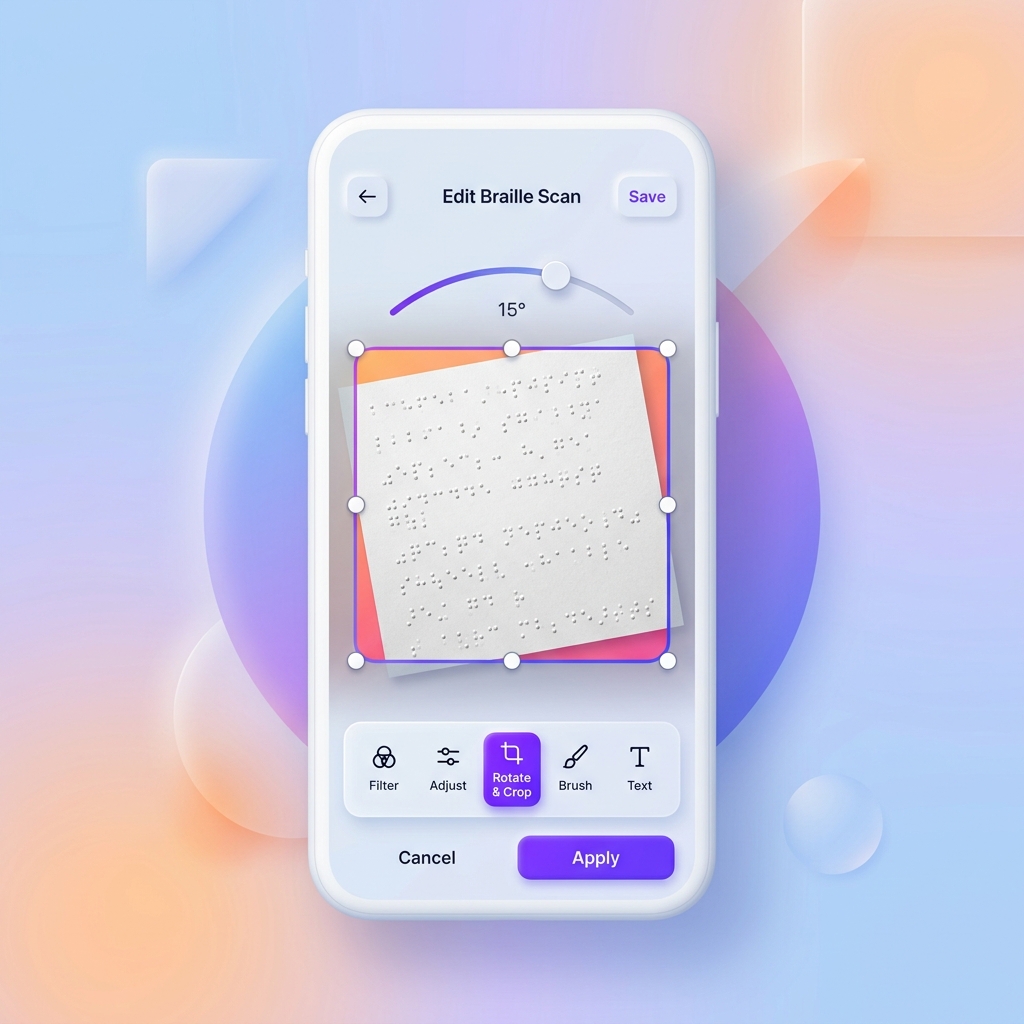
Preview & Adjust
After uploading, preview your image. Rotate until it's upright, then click translate to get your text results.
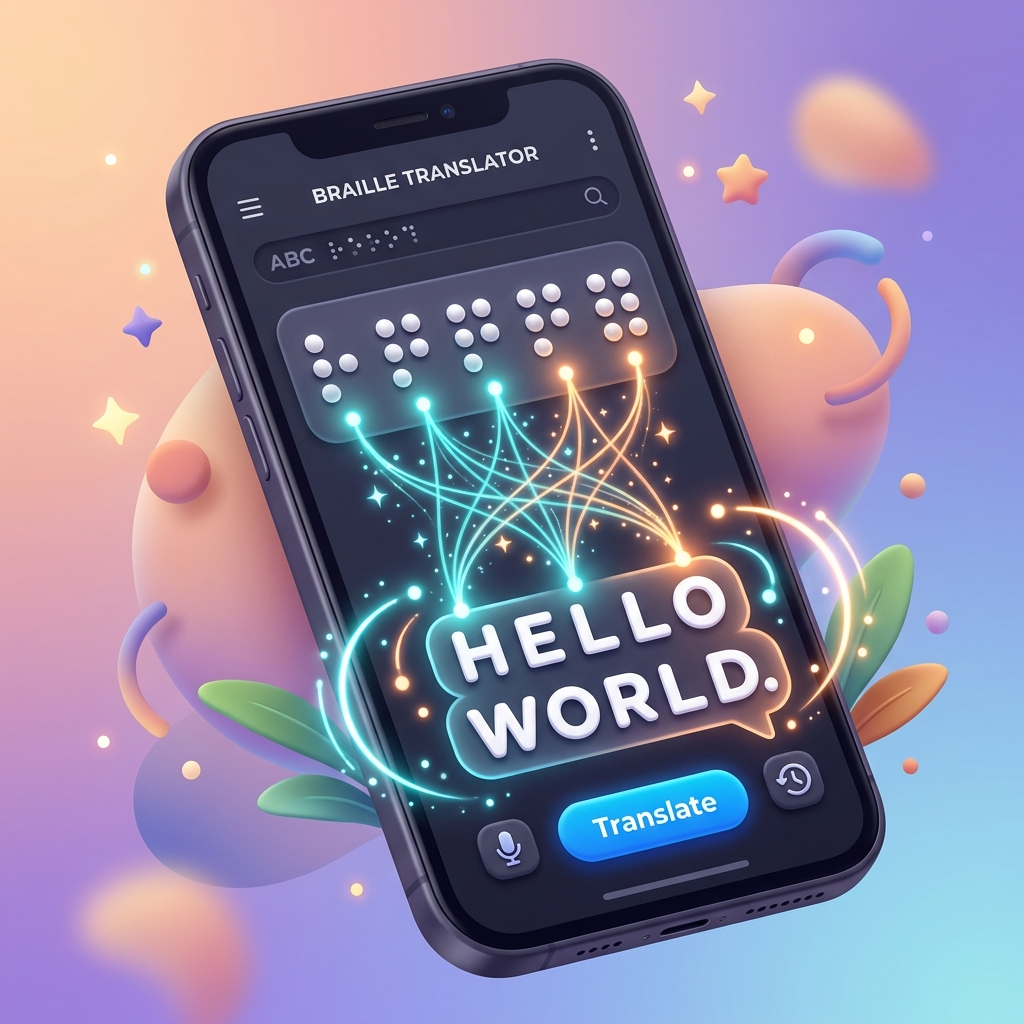
Multi-Language Support
Translate braille across 20+ language tables including English UEB, French, German, Spanish, Arabic, Chinese, and more.
See It In Action
Questions or feedback? Reach us at hello@braille-translator.com
Frequently Asked Questions — Braille Translator
Braille Translator
Braille Translator is a free, web-based braille translation tool that converts text to braille and braille to text across 20+ languages, including English UEB Grade 1, UEB Grade 2, French, German, Spanish, Arabic, and Chinese. Braille Translator uses the LibLouis open-source braille encoding engine to produce accurate braille output in both Unicode braille and ASCII braille formats. Braille Translator works on 3 core functions: text-to-braille conversion, braille-to-text decoding, and image-to-text braille recognition through a camera-based input module.
The 4 main benefits of Braille Translator are instant braille conversion speed, support for contracted braille and uncontracted braille, multi-language braille translation across 20+ language tables, and zero-cost accessibility for teachers, students, and organizations working in braille literacy.
Braille Translator serves 5 primary uses: converting printed English text into braille for embossing and braille display output, translating existing braille into readable text, processing braille images from a phone camera for nonvisual text decoding, looking up Unified English Braille (UEB) contractions through the contraction lookup tool, and practicing braille input through the interactive braille keyboard.
Braille Translator has 4 main components: the text input module where users type or paste content, the braille encoding engine powered by LibLouis translation rules database, the output module that renders braille in Unicode or ASCII format, and the user interface that ties together all braille conversion features in a single accessible page.
Processing
Braille Translator processes text through the LibLouis braille transcription software in 3 steps. First, the input module receives raw text from the user. Second, the braille encoding engine applies the selected language table and grade rules to map each character or contraction to its corresponding braille cell pattern. Third, the output module renders the translated braille as Unicode braille dots (⠃⠗⠁⠊⠇⠇⠑) or ASCII braille characters for copy-paste, download, or braille embosser output.
Text to Braille Visual Guide
Text to Braille translation converts print letters into tactile braille cell patterns using selected translation tables. The user types standard text into the input field. The Braille Translator processing engine checks the selected standard table (like UEB Grade 1 or contracted Grade 2). The software maps standard letters to a 6-dot cell matrix. For example, letter "a" converts to ⠁ (dot 1), whereas the word "the" contracts to ⠮ (dots 2-3-4-6) under Grade 2 contracted rules. The tool outputs unicode characters or ASCII characters. Physical dimensions match BANA standards with 6.2 mm cell height and 3.7 mm cell width.
Braille to Text Visual Guide
Braille to Text translation converts Unicode braille cell dots back into standard readable text characters. The user inputs braille characters into the converter input. The user types unicode braille directly or uses the interactive 6-dot virtual keyboard. The virtual keyboard lets the user activate dots 1 through 6 to form standard cell representations. The Braille Translator software decodes these 6-dot cell patterns back into standard characters. For instance, the software decodes cell ⠠⠓⠑⠇⠇⠕ to the English word Hello. The translator supports contracted wordsigns like letter b for but and letter c for can, converting them back to standard print format.
Image to Text Visual Guide
Braille Image to Text conversion scans photographs of braille paper and translates the dots into standard characters. The user uploads a braille image in JPEG, PNG, or HEIC format, or captures a photo using a smartphone camera. The user aligns the camera directly above the braille paper under even lighting. The AI-powered braille recognition engine identifies the raised 6-dot cell positions and maps them. It handles double-sided interpoint braille by filtering out reverse dots. The engine processes the detected dot grids and displays green detection boxes around each cell. Finally, the translator renders the decoded text.
Processing time for a standard paragraph (150 words or approximately 750 characters) is under 1 second. Braille Translator handles both Grade 1 braille (letter-by-letter, uncontracted braille) and Grade 2 braille (contracted braille with 189 contractions in UEB). Grade 2 braille reduces total braille cell count by roughly 20-30% compared to Grade 1, which makes printed braille materials shorter and faster to read through tactile reading.
English to Braille Translator
English to Braille Translator converts standard English text into Unified English Braille (UEB) characters using Grade 1 or Grade 2 translation rules. UEB is the international standard for English braille, adopted officially in 2016 by the Braille Authority of North America (BANA) and the International Council on English Braille (ICEB).
English to Braille translation follows a specific set of rules defined in the UEB codebook. Grade 1 braille maps each print letter to a single braille cell. The letter "a" becomes ⠁ (dot 1), "b" becomes ⠃ (dots 1-2), and "c" becomes ⠉ (dots 1-4). There are 26 letter cells, 10 number indicator cells, and 15 punctuation cells in Grade 1 English braille.
Grade 2 braille adds 189 contractions and short-form words on top of Grade 1 rules. The word "the" contracts to a single cell ⠮ (dots 2-3-4-6) instead of 3 separate cells. The word "and" contracts to ⠯ (dots 1-2-3-4-6). The word "for" contracts to ⠿ (dots 1-2-3-4-5-6). These contractions are the core of contracted braille and are what make Grade 2 braille faster to read through finger reading interface methods on paper or refreshable braille display devices.
Braille Translator supports these English braille tables:
- UEB Grade 2 — Current international standard, recommended for all new materials
- UEB Grade 1 — Uncontracted, letter-by-letter mapping for beginners and braille learning
- US English Grade 2 — Legacy American contracted braille standard
- UK English Grade 2 — Legacy British contracted braille standard
To use the English to Braille Translator, type or paste text into the input field, select the desired braille grade, and the braille output appears in real time. The output can be copied to clipboard, downloaded as a BRF (Braille Ready Format) file for braille embosser printing, or read directly on a refreshable braille display connected to JAWS (Job Access With Speech), NVDA (NonVisual Desktop Access), or VoiceOver screen reader software.
Braille Translator also works as a braille translator to English tool. Paste braille Unicode characters (⠠⠓⠑⠇⠇⠕) into the Braille to Text panel and Braille Translator decodes each braille cell back into English text, supporting both contracted and uncontracted braille input.
Braille Translator for Other Languages
Braille Translator supports 20+ language tables beyond English:
- French — Code Braille Français Unifié, Grade 2 and uncontracted
- German — Deutsche Blindenschrift, Grade 1 and Grade 2 (beta)
- Spanish — Braille Español, Grade 1 and Grade 2
- Italian — Braille Italiano
- Arabic — Grade 1 and Grade 2 (written left-to-right in braille, unlike print Arabic)
- Chinese — Simplified Chinese braille based on Pinyin phonetic system
- Korean — Korean braille following Hangul consonant-vowel structure
- Dutch, Danish, Romanian, Afrikaans, Tamil — Additional language support
Each language has its own braille code with language-specific rules for accented characters, number indicators, and contracted forms. French braille uses accented letter indicators for é, è, ê, and ë. German braille handles umlauts (ä, ö, ü) and compound words through specific dot pattern translation rules. Arabic braille reverses reading direction from print Arabic.
Louis Braille: Inventor of the Braille Script
Louis Braille invented the braille script in 1824 at age 15 while studying at the Royal Institute for Blind Youth in Paris, France. Louis Braille was born on January 4, 1809, in Coupvray, France, and became blind at age 3 after an accident in his father's leather workshop.
Louis Braille based the braille script on a military communication system called "night writing" or "sonography," created by Captain Charles Barbier de la Serre for French soldiers to read messages silently in darkness. Night writing used a 12-dot cell (2 columns of 6 dots), which was too complex for practical tactile reading. Louis Braille simplified the system to a 6-dot cell (2 columns of 3 dots), small enough for a single fingertip to read an entire cell without moving.
Louis Braille published the first braille codebook in 1829 and refined the system in a second edition in 1837. The braille system gained official recognition at the Royal Institute in 1854, 2 years after Louis Braille's death on January 6, 1852, at age 43.
Today, the braille script is used in virtually every written language worldwide. The National Federation of the Blind (NFB) and the American Foundation for the Blind (AFB) actively promote braille literacy as a fundamental right for people with visual impairment. The Perkins School for the Blind in Watertown, Massachusetts, remains one of the leading institutions for braille education and braille learning resources.
Louis Braille's 6-dot cell system has proven remarkably adaptable. The same dot matrix structure that encoded French in 1824 now represents English, Spanish, Arabic, Chinese, Korean, Hindi, and over 130 other languages through standardized braille code tables maintained by LibLouis braille transcription software.
Braille Alphabet: 6-dot Cell
The braille alphabet uses a 6-dot cell arranged in 2 vertical columns of 3 dots each, producing 63 possible dot combinations plus 1 blank cell (space), for a total of 64 unique braille characters. Each dot position in the braille cell is numbered 1 through 6:
| Position | Location |
|---|---|
| Dot 1 | Top-left |
| Dot 2 | Middle-left |
| Dot 3 | Bottom-left |
| Dot 4 | Top-right |
| Dot 5 | Middle-right |
| Dot 6 | Bottom-right |
The first 10 letters of the braille alphabet (a through j) use only dots 1, 2, 4, and 5 (the top 4 positions). The next 10 letters (k through t) repeat the same patterns with dot 3 added. The letters u, v, x, y, and z repeat the k-o patterns with dot 6 added. The letter "w" (⠺, dots 2-4-5-6) breaks this pattern because the French alphabet used by Louis Braille did not include "w" as a native letter.
Reading Braille Characters
Each braille cell measures approximately 6.2 mm (0.24 inches) tall and 3.7 mm (0.15 inches) wide, based on standards set by BANA. The raised dots are approximately 0.5 mm (0.02 inches) high. A skilled braille reader reads 100-200 words per minute through tactile glyph interpretation using index fingertips on both hands.
Braille Number System
Braille numbers use a number indicator cell ⠼ (dots 3-4-5-6) followed by the letters a through j to represent digits 1 through 0. The number 5 is written as ⠼⠑ (number indicator + letter "e"). The number 2024 is written as ⠼⠃⠚⠃⠙ (number indicator + b-j-b-d). This dot pattern translation method keeps the braille alphabet compact by reusing letter cells for number representation.
Extended Braille: 8-dot Computer Braille
Computer braille (also called 8-dot braille) adds dot 7 (bottom-left, below dot 3) and dot 8 (bottom-right, below dot 6) to represent all 256 ASCII characters in a single cell. Computer braille is used on refreshable braille display devices manufactured by HumanWare, Freedom Scientific, and other assistive technology companies. BrailleNote devices by HumanWare use 8-dot computer braille for full keyboard input and output.
Notes
Braille Translator is a browser-based braille translation tool that runs entirely in the user's web browser. No data is uploaded to external servers during text-to-braille or braille-to-text conversion. The braille translation engine uses LibLouis, the same open-source braille transcription software used by screen readers including JAWS by Freedom Scientific, NVDA, and Apple VoiceOver.
Braille Translator is free to use and requires no account registration. The tool meets Web Content Accessibility Guidelines (WCAG) 2.1 Level AA standards and supports keyboard navigation, screen reader compatibility, and high-contrast display through the built-in dark mode.
For braille embosser output, copy the braille Unicode text and paste it into braille embosser software such as Duxbury Braille Translator (DBT), BrailleBlaster, or Braille2000. These braille translation software applications handle page formatting, margin settings, and embosser-specific configurations for physical embossed dot mapping on paper.
For iOS and Android mobile devices, Braille Translator works through the mobile web browser. iOS users can use VoiceOver's built-in braille keyboard for input. Android users can install BrailleBack for refreshable braille display connectivity and TalkBack for screen reader access.
Braille Translator supports braille translator copy paste functionality. Select the braille output text, copy it (Ctrl+C or Cmd+C), and paste it into any text editor, email client, or document. Unicode braille characters are supported in all modern operating systems, web browsers, and word processors.
WeCapable Tools
Braille Translator is part of a broader ecosystem of accessible technology tools designed for people with disabilities, educators, and accessibility professionals.
Braille Translation
Braille translation tools convert text between print and braille formats. Braille Translator provides 3 braille translation methods: text-to-braille conversion, braille-to-text conversion, and image-to-text braille recognition. The braille translation accuracy depends on the selected language table and grade level. Grade 2 contracted braille translation requires precise application of 189 contraction rules in UEB, and Braille Translator handles these rules through the LibLouis translation rules database.
Other braille translation software includes Duxbury Braille Translator (commercial, supports 170+ languages), BrailleBlaster (free, developed by the American Printing House for the Blind), and LibLouis (open-source library used by Braille Translator and most screen readers). Literary braille translator tools handle standard text, while mathematical braille translator tools use Nemeth Code or UEB Math for equations and formulas. Music braille translator tools use the international music braille code for musical notation.
Accessibility
Accessibility tools remove barriers for people with visual impairment, hearing loss, and motor disabilities. Braille Translator contributes to digital accessibility by providing a free online braille converter that works without software installation. ADA (Americans with Disabilities Act) compliance and Section 508 compliance require organizations to provide accessible digital content, and braille translation is one component of that requirement.
Assistive technology for braille readers includes refreshable braille display devices (40-cell or 80-cell models from HumanWare and Freedom Scientific), braille embossers for printing physical braille documents, screen reader software (JAWS, NVDA, VoiceOver), and braille keyboard input devices. TactileView software by Thinkable creates tactile graphics for maps, charts, and diagrams as raised-line drawings for people with visual impairment.
Sign Language
Sign language is a separate communication system from braille. Braille serves people with visual impairment through raised character translation on paper or electronic displays. Sign language serves people with hearing impairment through visual gestures and hand movements. American Sign Language (ASL) and British Sign Language (BSL) are the 2 most widely used sign languages in English-speaking countries.
Calculators
Accessible calculator tools provide math computation for people using screen readers or braille display devices. Mathematical braille (Nemeth Code in the US, UEB Math internationally) represents numbers, operators, fractions, exponents, and complex equations in braille format. A braille calculator translates standard math notation into Nemeth or UEB Math braille code for computation and study.
Measurement
Measurement conversion tools with accessible interfaces allow people using assistive technology to convert between units. For braille-specific measurements: a standard braille cell measures 6.2 mm (0.24 in) tall by 3.7 mm (0.15 in) wide, inter-cell spacing is 3.1 mm (0.12 in) horizontally, and line spacing is 10.0 mm (0.39 in) vertically, based on BANA embossing standards. A standard braille page (11.5 × 11 inches or 292 × 279 mm) contains approximately 25 lines of 40 cells each.